Create Playful 3D Text with This Kids Editable PSD Effect
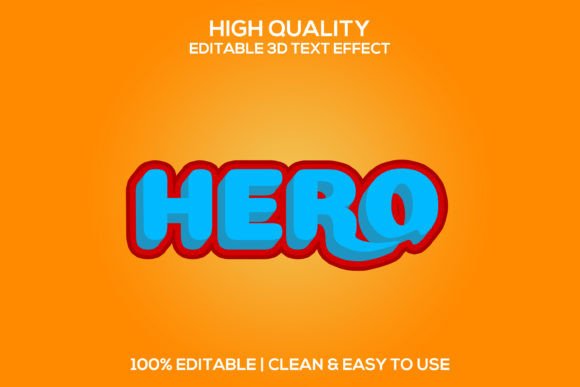
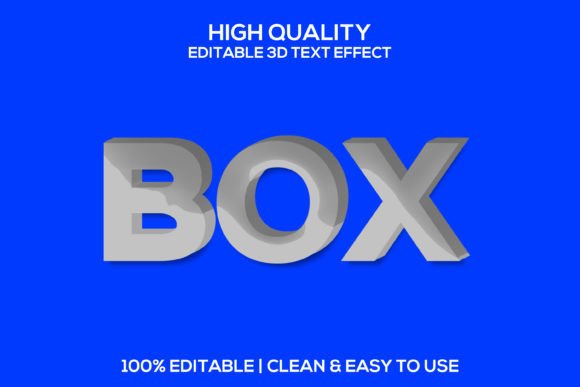
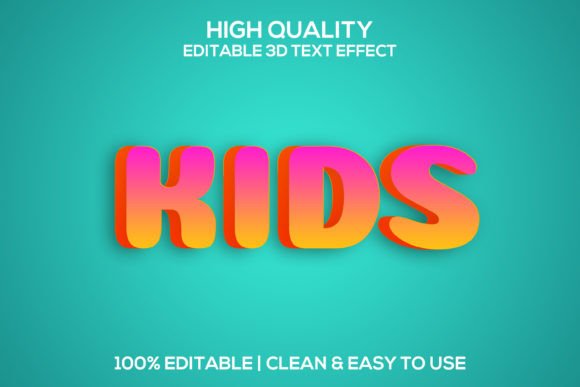
Capturing the energy and imagination of childhood in a design can be a challenge, but the right text effect can make all the difference. The 3D Kids | Kids Editable Psd Text Effect offers a vibrant, dimensional style that instantly brings a playful and modern feel to any project. This premium design asset is built to transform standard typography into eye-catching 3D lettering, perfect for engaging young audiences or adding a fun twist to creative work.
This isn't just a static font. It's a layered, fully customizable Photoshop template that works with any typeface you choose. Whether you're working with a bold sans serif, a whimsical script, or a clean sans serif font, this effect applies a realistic 3D depth, shadow, and color pop that looks polished and professional. The smart object layers make it incredibly easy to use—simply replace the text, adjust the colors, and your design is ready.
Where Can This 3D Kids Text Style Shine?
The versatility of this editable PSD text effect makes it a valuable asset for a wide range of creative and commercial applications. Its clean, modern aesthetic is particularly suited for projects aimed at families, education, and entertainment.
- Logo & Brand Identity: Design memorable logotypes for children's brands, toy stores, kids' apparel lines, or educational apps. The 3D effect adds a tactile, engaging quality that helps build strong brand recognition.
- Poster & Packaging Design: Create standout titles for event posters, product packaging, or book covers. The layered design allows for easy integration into complex compositions.
- Social Media & Marketing: Grab attention on crowded feeds with vibrant graphics for Instagram posts, Facebook ads, or YouTube thumbnails. The high 300 DPI quality ensures crisp visuals across all platforms.
- Merchandise & Invitations: Apply the effect to T-shirt designs, party invitations, greeting cards, or school project headers for a fun, custom look.
Tips for Choosing and Using Your Font Effect
To get the most out of this design resource, consider a few practical tips. First, test font pairings. While the effect works with any font, pairing a playful display font with a simple, readable sans serif for body text creates visual harmony. Second, match the mood. Use bright, primary colors for energetic projects or softer pastels for a gentler, more whimsical feel. The customizable layers make color changes simple.
Always check readability, especially for smaller text or longer words. The 3D effect should enhance, not hinder, legibility. Finally, review the license to ensure it fits your intended use, whether for personal projects or commercial client work. This thoughtful approach ensures your final design feels cohesive and professional.
Choosing a high-quality, well-structured design asset like the Kids Editable Psd Text Effect